

Free and Immediately Usable NIS2 Master Document Register
What is the NIS2 Master Register?
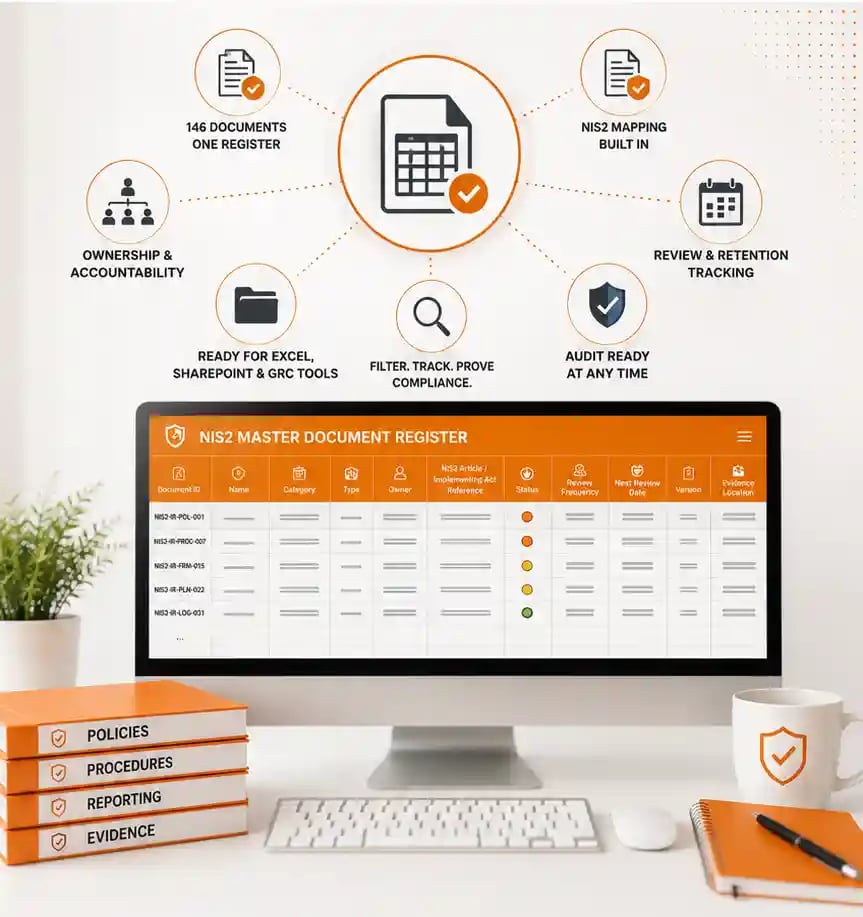
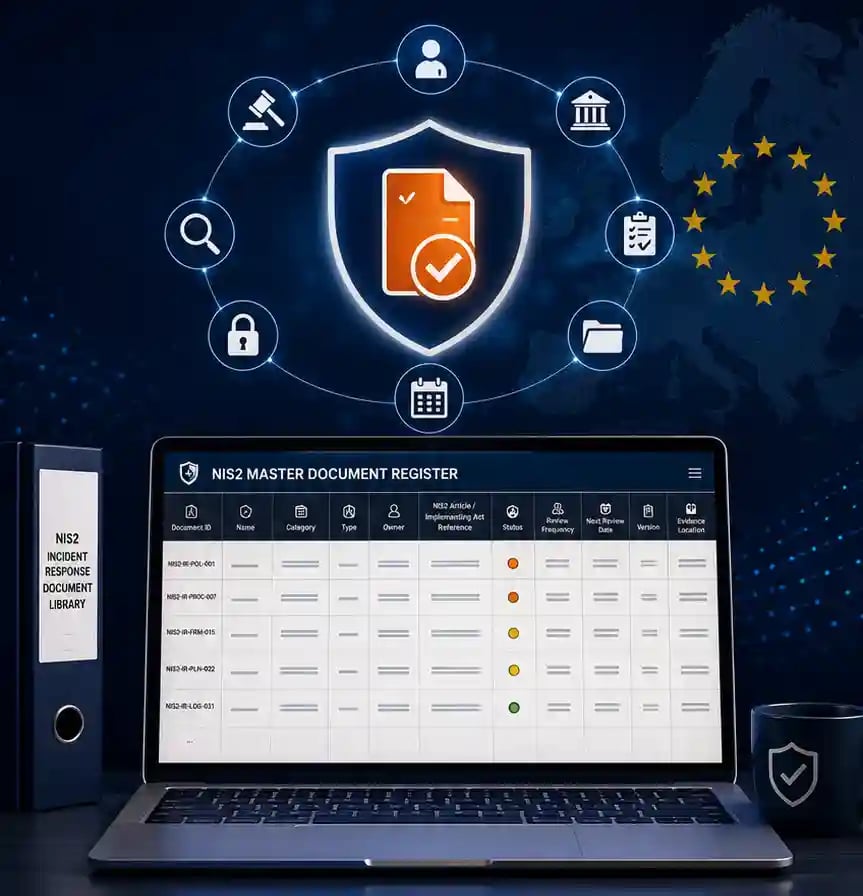
The NIS2 Master Document Register is the working spreadsheet at the heart of the NIS2 Incident Response Document Library. Where the guide describes the documentation set, the register operationalises it — a single, 18-column table listing all 146 documents across 13 categories, pre-populated and ready to import into Excel, SharePoint or your GRC platform.
Each row is a complete control record: document ID, name, category, type, owner, approver, the exact NIS2 article or implementing act it maps to, its mandatory/recommended status, format, review frequency, retention period, current status, version, review dates, linked documents, evidence location and notes.
It's supplied as a free, adaptable CSV template — you take it as your starting baseline, set the owners and dates for your organisation, and maintain it as the live single source of truth for your entire incident response documentation set.
What's Inside?
|
Component |
Detail |
|
146 document records |
Every document in the library, one per row, ready to sort and filter. |
|
13 categories |
Governance & Policy, Incident Detection/Intake/Triage, Significant Incident Assessment, Regulatory Reporting, Response & Recovery, Evidence & Audit Trail, Supply Chain & Third-Party, Business Impact & Operational Resilience, Communications, Privacy/Legal/Cross-Regulatory, Root Cause/Remediation/Lessons Learned, Testing/Training/Continuous Improvement, and Registers & Trackers. |
|
18 columns per record |
Document ID · Name · Category · Type · Owner · Approver · NIS2 article/implementing act reference · Mandatory/recommended status · Format · Review frequency · Retention period · Status · Version · Last reviewed date · Next review date · Linked documents · Evidence location · Notes. |
|
Status classification |
Every document coded as Mandatory under NIS2 (15), Required for practical compliance (99), or Recommended good practice (32). |
|
Cross-references |
A "Linked documents" column connects each record to its dependencies, so you can trace how the set fits together. |
|
Adaptation-ready |
Delivered as an editable CSV under a free internal-use licence — set your own owners, dates and sector notes. |
Why Do You Need the NIS2 Master Document Register?
NIS2 places responsibility for the incident management process directly on the management body, and a supervisory review will ask you to evidence it — not just describe it. Without a controlled register showing which documents exist, who owns them, when they were last reviewed and which NIS2 article each one satisfies, you can't demonstrate that your documentation set is real and maintained.
A pile of 146 separate documents with no index is also unmanageable in practice. Owners drift, versions fork, reviews lapse, and dependencies get lost. When an incident hits and the 24-hour / 72-hour / one-month reporting clocks start, you need to know instantly which template to reach for and that it's the approved, current version.
The register solves both problems at once. It's the control layer that makes the whole library governable — the difference between having documents and being able to prove you manage them.
Key Benefits
- One source of truth, not 146 scattered files. Every document, its owner, status and regulatory basis live in a single sheet you can sort, filter and report from.
- See your compliance posture at a glance. Filter by status to instantly separate the 15 mandatory documents from the 99 required for practical compliance and the 32 recommended good-practice artefacts.
- Know who owns what. Owner and approver are defined for every row, so accountability is never ambiguous during a supervisory review or a live incident.
- Never miss a review. Built-in review frequency, last-reviewed and next-review columns turn documentation upkeep into a schedule you can track.
- Audit-ready mapping. Each document is tied to its NIS2 article or Implementing Regulation (EU) 2024/2690 reference, so you can show an assessor the artefact behind every obligation.
- Drops straight into your tools. As a clean CSV, it imports into Excel, SharePoint lists or a GRC document module in minutes — no reformatting.
Who Should Use the NIS2 Master Document Register?
- CISOs and information security leaders who need to own and evidence the incident response documentation set.
- Compliance, risk and GRC teams maintaining the mapping between controls and NIS2 articles for audit and supervisory purposes.
- Document and records managers responsible for versioning, retention and review scheduling across the set.
- Management bodies and executives carrying accountability under Article 20 who need a one-page view of documentation status.
- Essential and important entities in NIS2 scope — including the digital providers named in Implementing Regulation (EU) 2024/2690.
- Consultants and virtual CISOs who want a ready-made, adaptable register to deploy across multiple client programmes.
** GDPR & Privacy ** We wholeheartedly believe in your and our rights to privacy and in the GDPR. The bottom of the page explains how we use your data.
Please Fill the Form Below To Get Your Free Copy of the NIS2 Master Document Register



We are industry experienced practitioners when it comes to cyber security training & cyber security consultancy services

Training
We offer a host of courses including our NCSC Assured Training in Cyber Incident Planning and Response and our NCSC Assured Training in Building and Optimising Incident Response Playbooks.

Virtual CISO Services
Hands On, full-support 'Security As a Service', specifically designed for organisations that require access to experienced cybersecurity, governance, risk and compliance professionals.

Virtual Cyber Assistant
A unique, affordable, subscription-based, cybersecurity service for small to medium businesses, offering 280+ services in cybersecurity.

Cyber Crisis Tabletop Exercises
Scenario-based, verbally-simulated tabletop attack exercises that test your organisation's ability to effectively respond to a cyber-attack.