
Date: 9 October 2026
.webp?width=1170&name=Modern%20Workspace%20With%20RMM%20Dashboard%20And%20Comparison%20Chart%20(1).webp)
For many IT teams, most of the week goes to the same few jobs: closing open CVEs, pushing application updates, rolling out new software, and getting onto a user's machine to fix something.
NinjaOne covers that work, but it does so inside a broad remote monitoring and management (RMM) platform built to handle much more.
If your workload is patch-first, a tool built around endpoint management can be simpler to run and easier to budget for.
Below are five alternatives worth shortlisting. Each is compared on patching, software deployment, vulnerability remediation, OS coverage, and pricing.
Key Takeaways
- Unused modules add cost. Patch-first teams rarely use every RMM module, so check what a quote actually bundles.
- Look for one-console remediation. The fastest workflows find a vulnerability, deploy the fix, and confirm it in the same place.
- Check where vulnerability detection lives. NinjaOne added native detection in 2026 as a separate product, currently for Windows endpoints. Confirm what your quote includes and which operating systems it covers.
- Linux splits the field. Atera, Automox, Action1, and ManageEngine Endpoint Central support it. Tools built for Windows and macOS don't.

Why Patch-First Teams Look Beyond NinjaOne
NinjaOne supports Windows, macOS, and Linux. It offers modules for ticketing, backup, documentation, and mobile device management. It sells per endpoint per month through custom quotes, and modules are priced per endpoint on top of the core subscription.
Vulnerability management is another point to check. NinjaOne launched Vulnerability Management as a separate product in March 2026.
It matches endpoint software inventory against CVE data instead of running scheduled scans, and it currently covers Windows endpoints.
It can also take in findings from third-party scanners such as Qualys, Rapid7, Tenable, CrowdStrike, and Microsoft Defender. Confirm whether it's in your quote and whether it covers every OS you manage.
None of this makes NinjaOne a poor choice. It means fit should decide, not feature count.
The 5 Best NinjaOne Alternatives
1. PDQ Connect
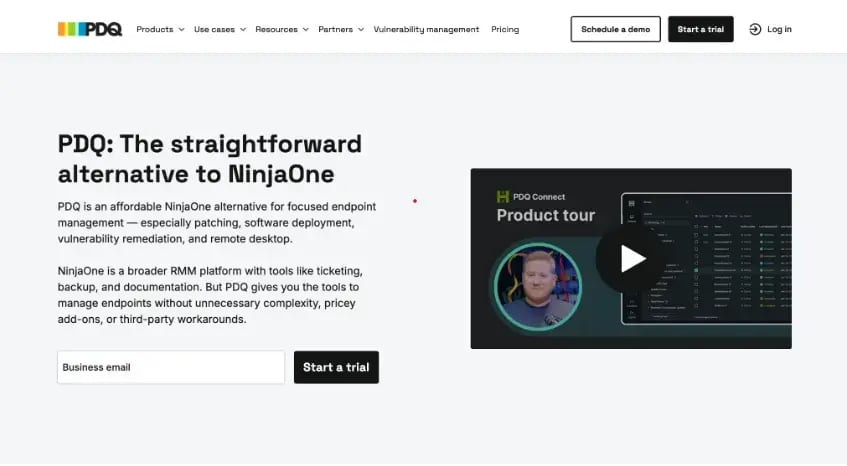
PDQ gives sysadmins a cloud endpoint manager for Windows and macOS. It covers patching, software deployment, inventory, vulnerability remediation, and remote desktop, with no VPN needed.
Packages come from a curated, virus-scanned library or are built custom. Deployments queued for offline devices run once those devices reconnect.
Best for: In-house IT teams and MSPs running Windows and macOS fleets.
Pricing: $12, $18, or $28 per device per year for Basic, Plus, and Premium, with a 100-device minimum. The 14-day trial covers up to 250 devices. Plus adds automated deployments, remote desktop, and role-based access control.
Strongest advantage: Premium scans, prioritizes, and resolves CVEs with one click in the same console, at a published price.
Watch out for: There's no Linux support, ticketing, backup, or documentation. It connects to tools like Jira and Freshservice instead.
2. Atera
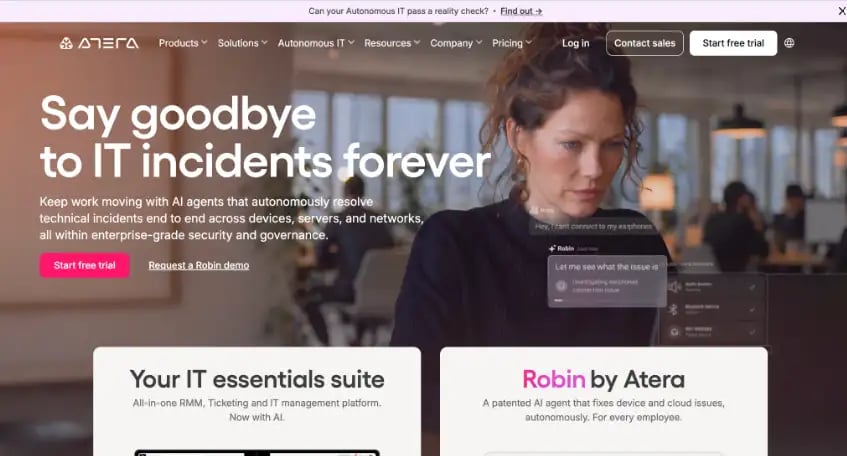
Atera pairs RMM with a built-in helpdesk and bills per technician, so every plan covers unlimited endpoints. Its agent runs on Windows, macOS, and Linux, and it sells separate plan lines for IT departments and MSPs.
Best for: Lean teams that manage many devices per technician and want ticketing in the same console.
Pricing: Per technician per month, with unlimited devices. Extras such as network discovery are add-ons. The 30-day free trial requires no credit card.
Strongest advantage: Fleet growth doesn't change the bill.
Watch out for: Every console user needs a technician license, and the Linux agent isn't included on every MSP plan.
3. Automox
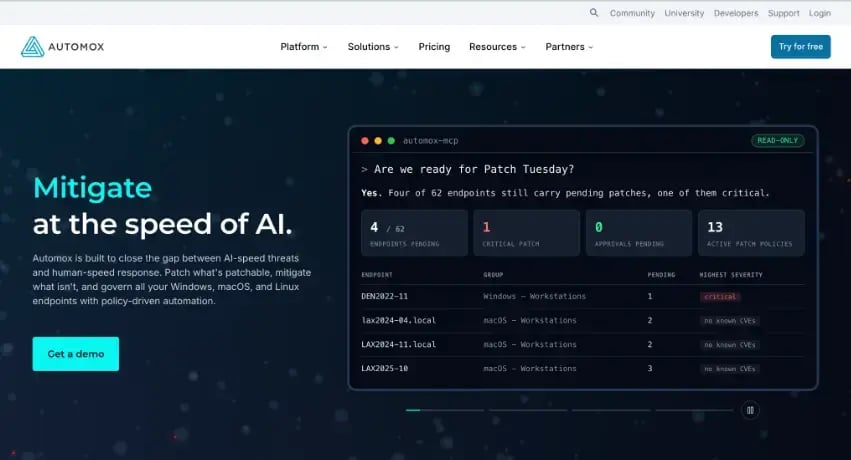
Automox is a cloud-native patching platform for Windows, macOS, and Linux. It handles OS and third-party application updates through policies that keep running after setup. Worklet scripts extend its automation into configuration work.
Best for: Mixed fleets with Linux endpoints where patching is the main job.
Pricing: Per endpoint. The entry tier covers OS patching only, and third-party patching titles sit in custom-priced tiers.
Strongest advantage: Policy-driven patching across all three major desktop operating systems from one console.
Watch out for: You'll need a quote-based tier for third-party application patching.
4. Action1
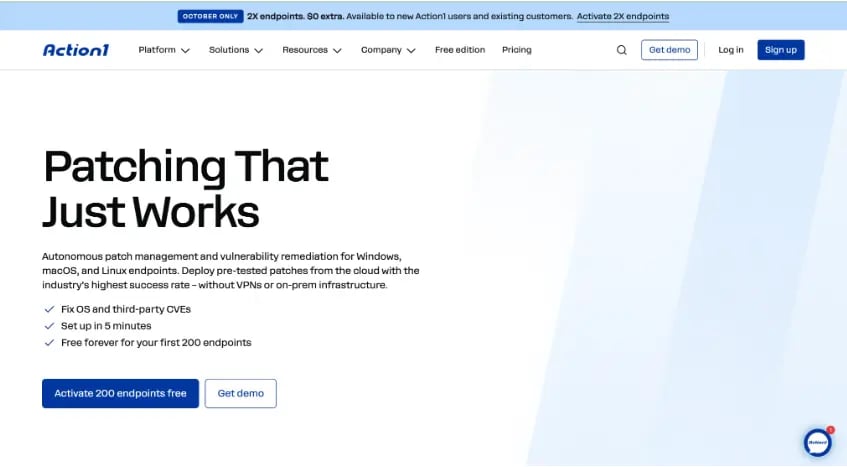
Action1 patches Windows, macOS, and Linux endpoints from a browser with no VPN, covering OS and third-party updates. It adds vulnerability assessment and can patch devices while they're offline.
Best for: Smaller fleets that want to start without license costs.
Pricing: Free for the first 200 endpoints with full functionality. That's a permanent tier, not a trial. Larger fleets move to a paid plan.
Strongest advantage: Zero license cost under 200 endpoints.
Watch out for: Native Linux agent support launched in December 2025, so validate it against your distributions.
5. ManageEngine Endpoint Central
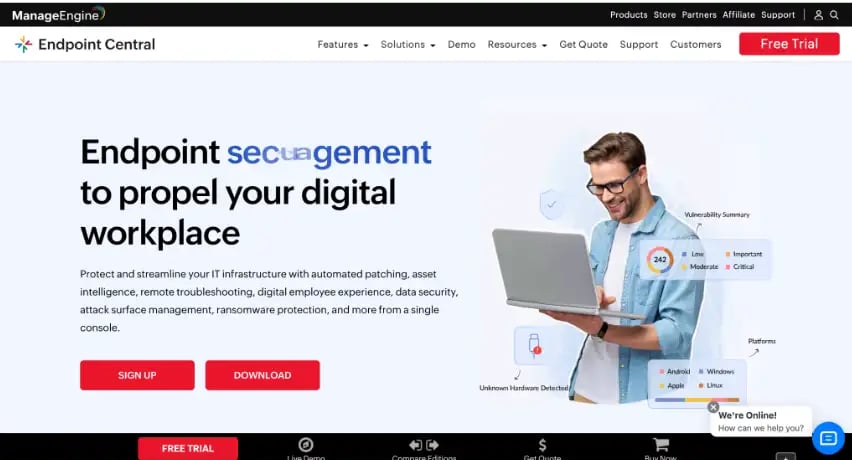
Endpoint Central is a unified endpoint management platform for Windows, Mac, and Linux desktops plus mobile devices. It's sold as a cloud subscription or an on-premises license.
Best for: Organizations that want on-premises hosting or mobile management in one tool.
Pricing: A free edition covers up to 25 endpoints. Paid licensing runs across Professional, Enterprise, UEM, and Security editions.
Strongest advantage: It can be deployed fully on-premises.
Watch out for: Windows laptop and macOS MDM need the UEM or Security edition, and OS imaging is an add-on in some editions.

Pilot Before You Commit
Run every shortlisted tool against the same group of representative devices. Push a routine update, deploy a custom package, force a failed install, and include at least one laptop that's off the office network.
Then time how long each tool takes to work through the identify, prioritize, patch, and verify cycle for a reported vulnerability.
Heavy release months test this hardest. Microsoft's July 2026 Patch Tuesday, for example, shipped fixes for 622 flaws, including two exploited zero-days.
A tool that keeps pace in a month like that will handle the rest of the year.
FAQs
Does NinjaOne have built-in vulnerability detection?
Yes. NinjaOne Vulnerability Management, launched in March 2026, matches endpoint software inventory against CVE data without scheduled scans and currently supports Windows endpoints. It can also take in findings from third-party scanners.
Which NinjaOne alternatives are free to start?
Action1 is free for the first 200 endpoints. ManageEngine Endpoint Central has a free edition for up to 25.
Which alternatives support Linux?
Atera, Automox, Action1, and ManageEngine Endpoint Central. Confirm your distributions during the pilot.
Is per-technician or per-device pricing cheaper?
It depends on your ratio. Per-technician pricing favors small teams managing many devices. Per-device pricing favors larger teams with fewer devices per admin.
.webp)
.webp)
.webp)